App policy
Categories:
Purpose: This document explains the purpose of an app policy in Verily Workbench.
Introduction
What is an app policy?
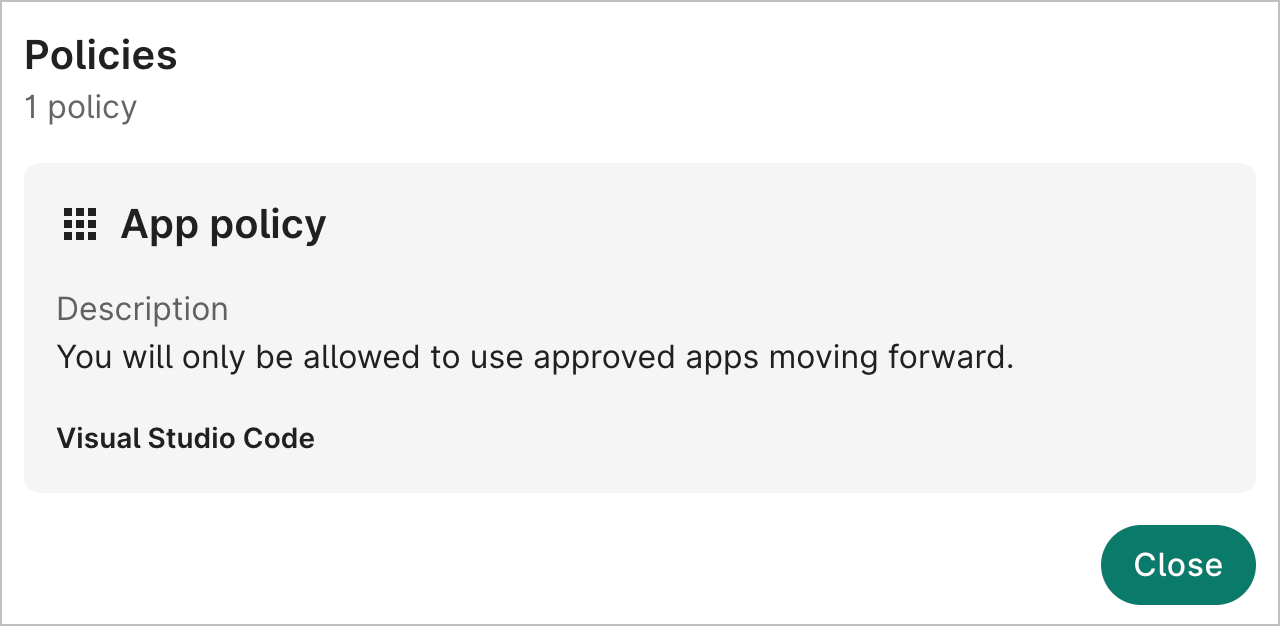
An app policy is a Verily Workbench policy attached to a data collection. The policy specifies which cloud app types should be available when a Workbench user imports data from a source where the policy is present. The policy can also be used to disable SSH access to cloud apps within the workspace.
What restrictions does an app policy enforce?
When there's an app policy on a data collection, the list of available cloud apps in the workspace where the data collection lives will be limited to those defined by the policy.
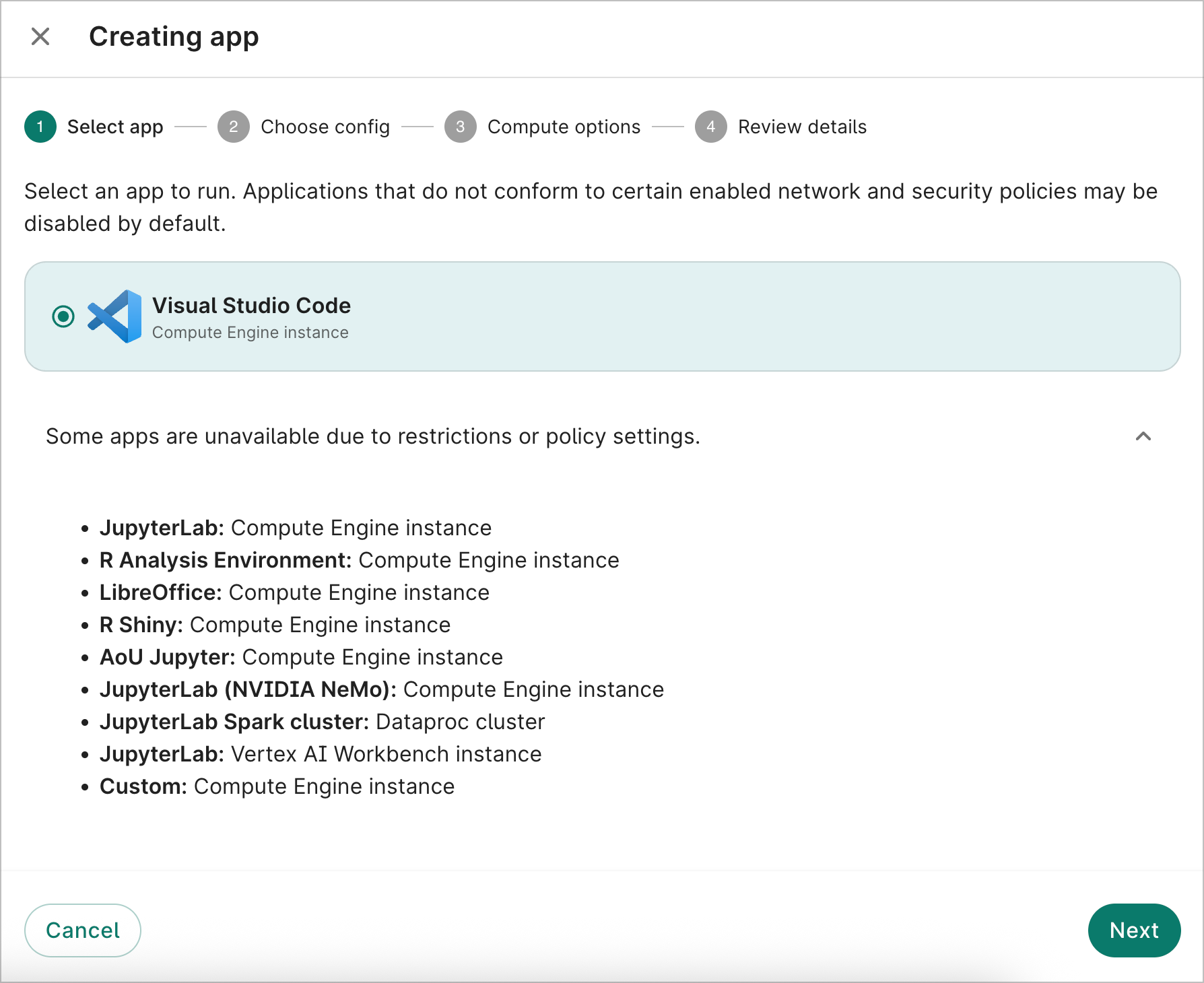
For example, this workspace has a data collection with an app policy that specifies Visual Studio Code apps. When you create a cloud app in this workspace, Visual Studio Code will be the only available app type.
Getting started
Apply an app policy to a data collection
Currently, app policies are administered by Verily. To request an app policy on a data collection, please contact Workbench Support at workbench-support@verily.com.
View the app policy
Navigate to the data collection in the Workbench web UI. Near the top of the page, click the link showing the active policies to see details of the app policy.
Last Modified: 15 October 2025